Multiplayer bingo for your group, from two players to a full hall
Free multiplayer bingo online: live rooms with real people, a private room for your group, or one screen that calls for the room. No app, no sign-up. Everyone plays the same game at the same moment, and a real recorded caller reads every number.
What is multiplayer bingo?
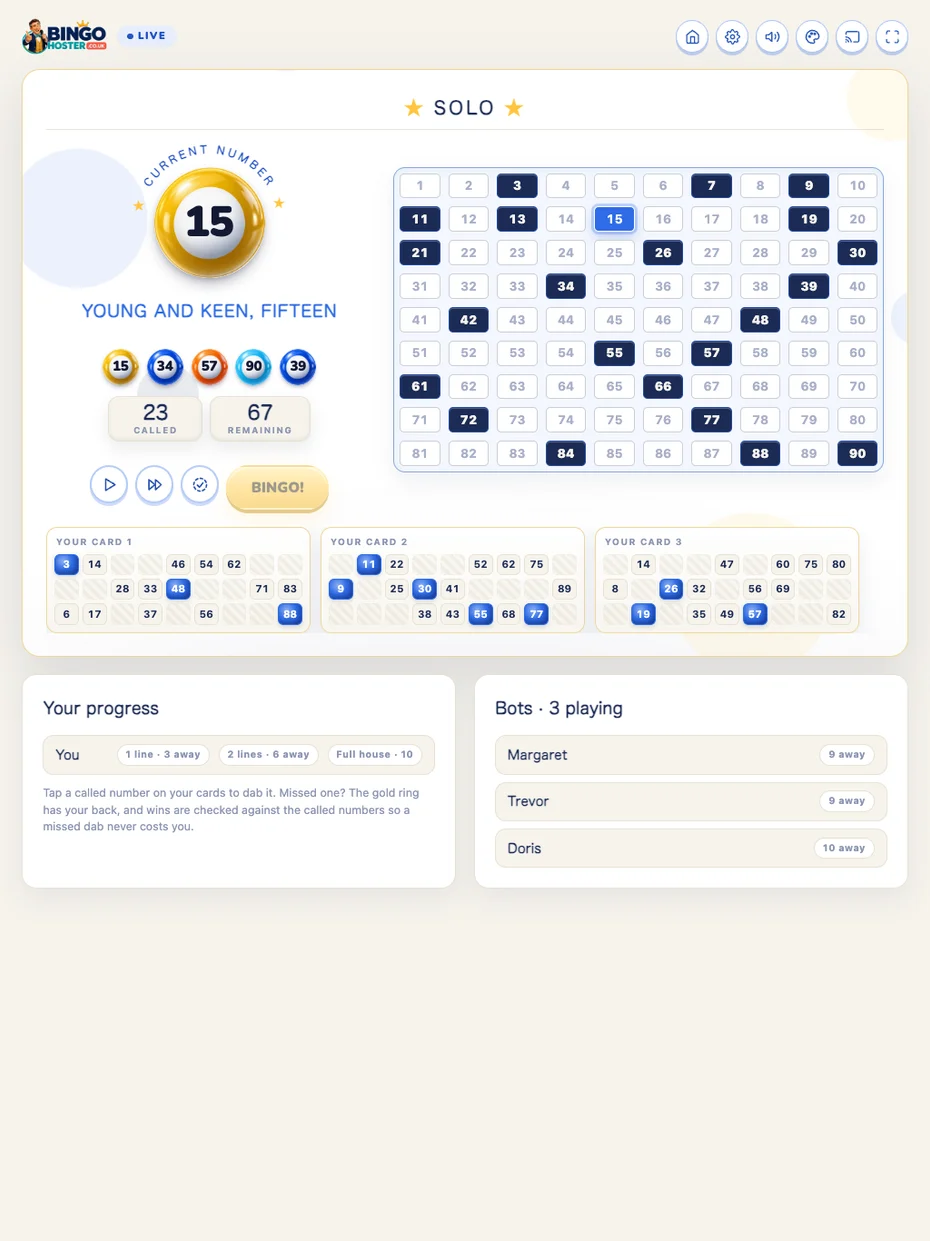
Multiplayer bingo is one game shared by everyone playing. The same numbers are called for all of you at once, each player dabs their own tickets, and the first to a line, two lines or the full house wins it. Phone tickets and the live rooms check every claim for you.
Ways to play multiplayer bingo
Pick the one that fits who you are playing with.
Live rooms: play with people from anywhere
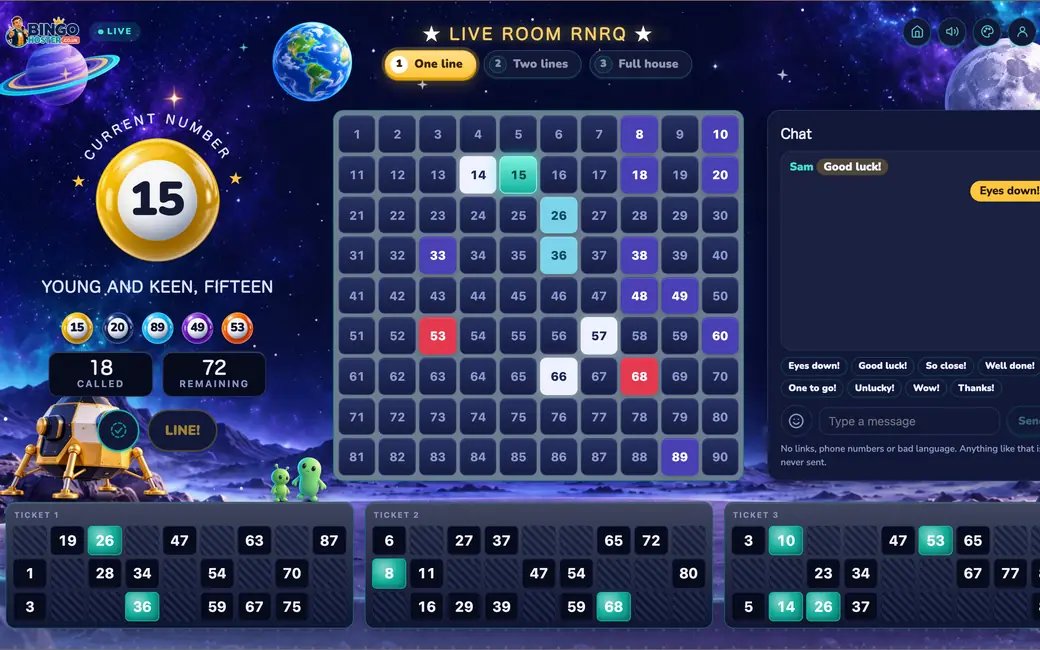
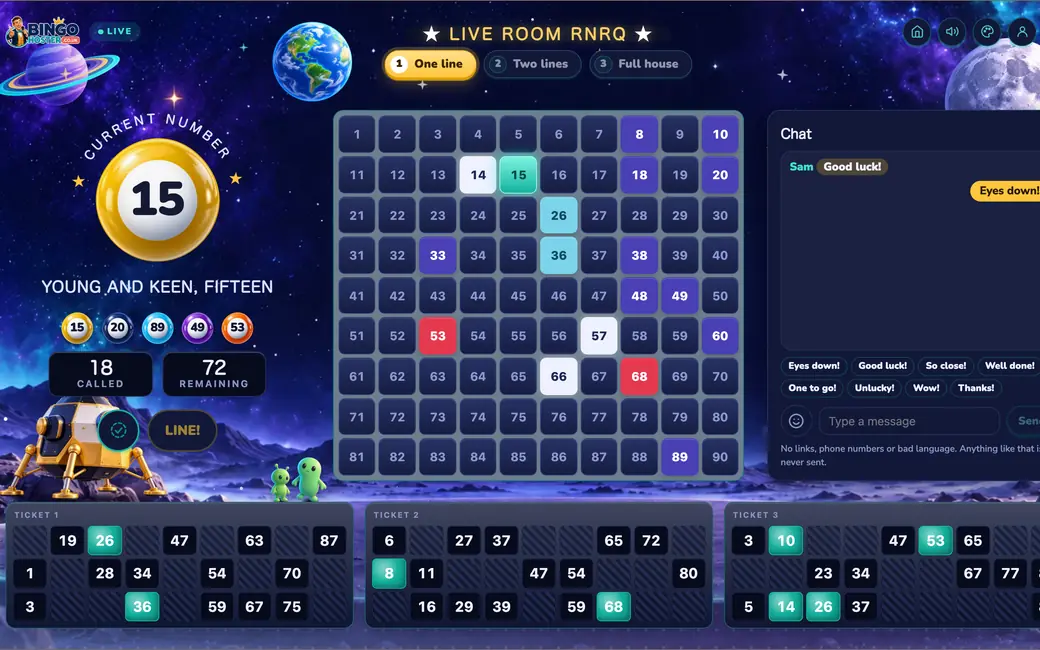
No group needed. Our live bingo rooms are public 90-ball games open to everyone, in Slow, Medium and Fast rooms. A new game starts on every five-minute mark once two people are waiting.
- Suits: anyone who fancies a game with new people, alone or with a friend or two.
- Players: up to 30 a game, with 1 to 12 tickets each. Clearly labelled bots fill the empty seats until there are 10 players.
- You need: a phone or computer and a name.
Play Online Together: a private room for your group
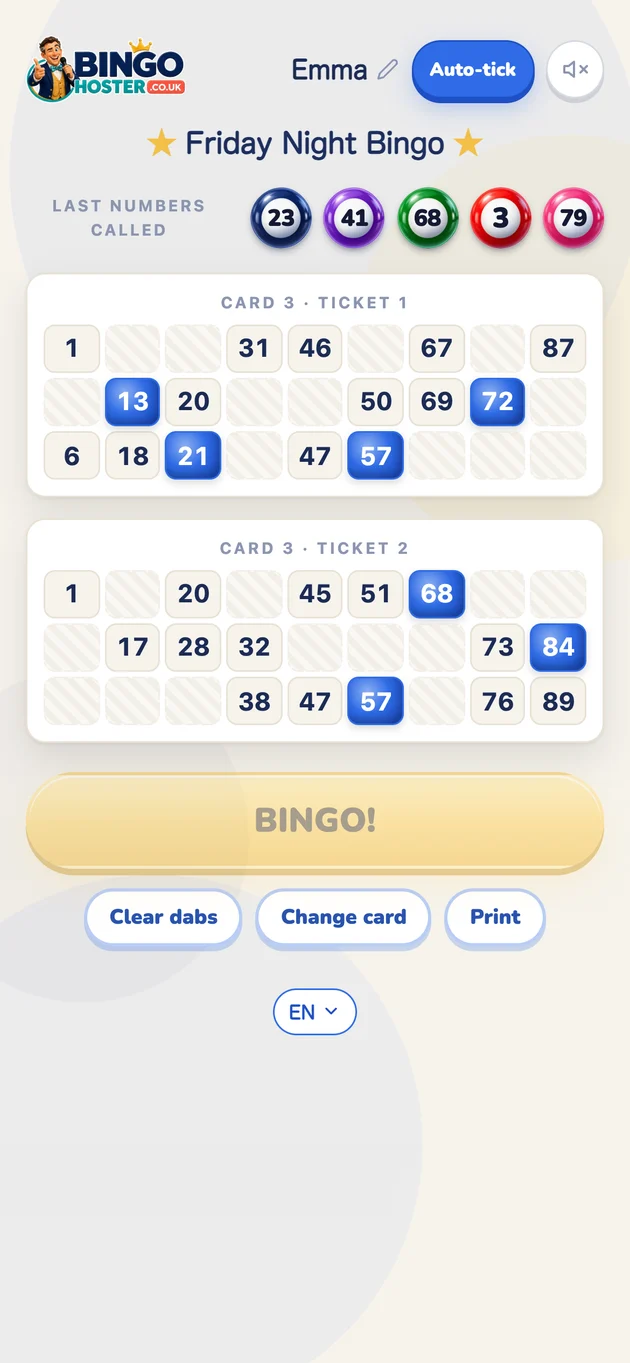
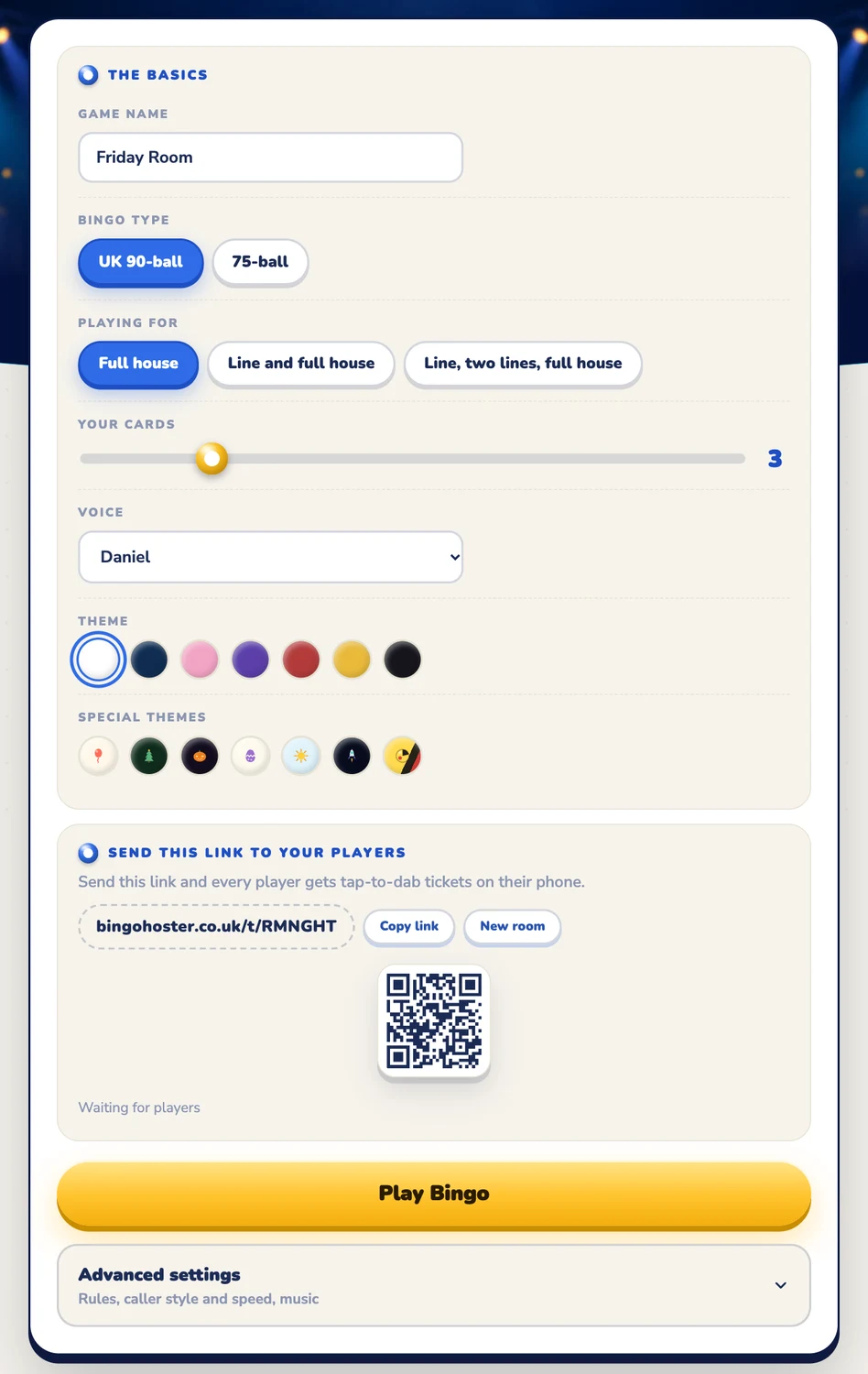
Multiplayer bingo with friends, family or your work team. One person opens a room and sends one link. Everyone else opens it on their own phone, picks a card number and plays the same live game.
- Suits: family in different houses, a team social, a birthday on a video call.
- Players: up to 24 phones, each with its own card number, plus the host's own cards.
- You need: one person to open the room, and the link in your group chat.
The Hoster: one screen calls for the whole room
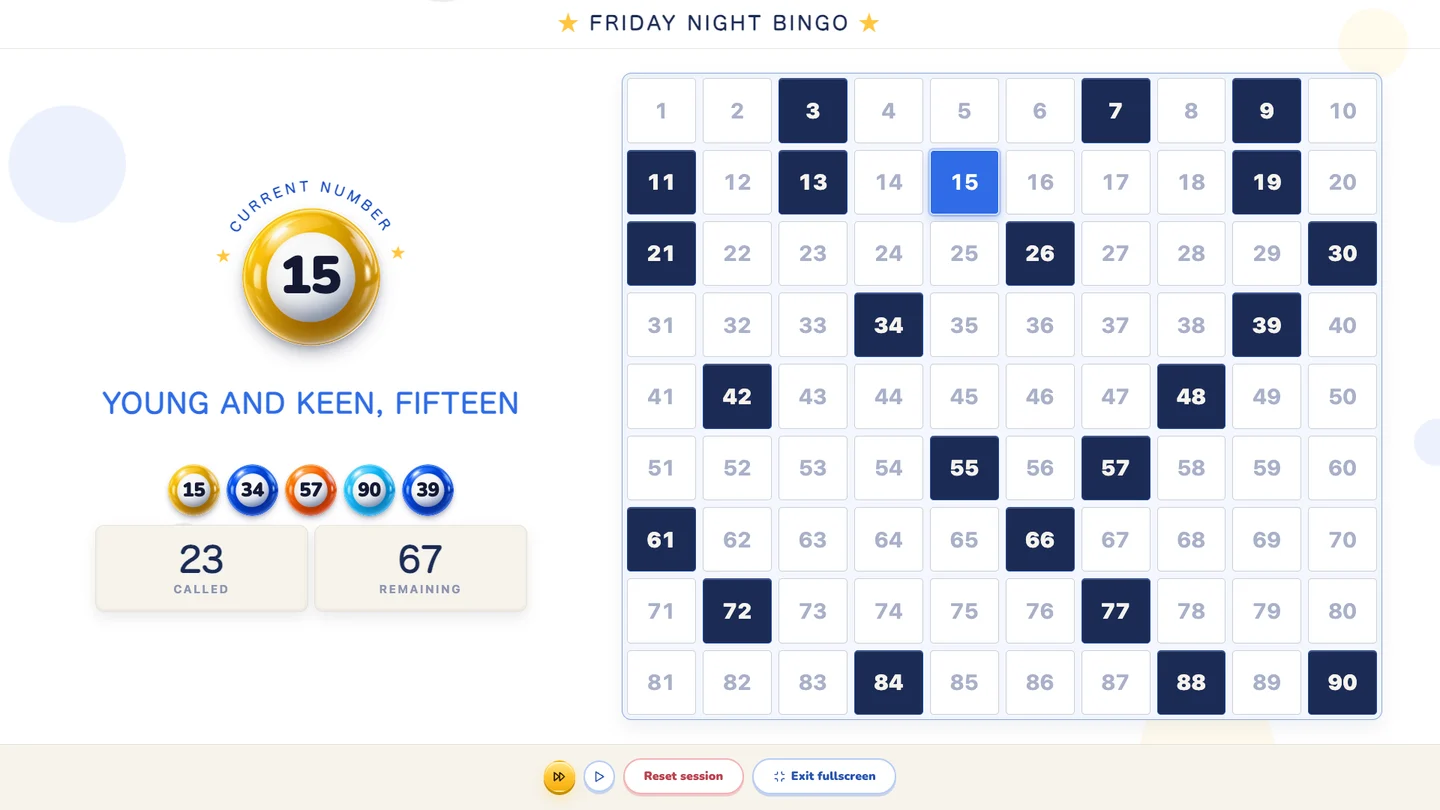
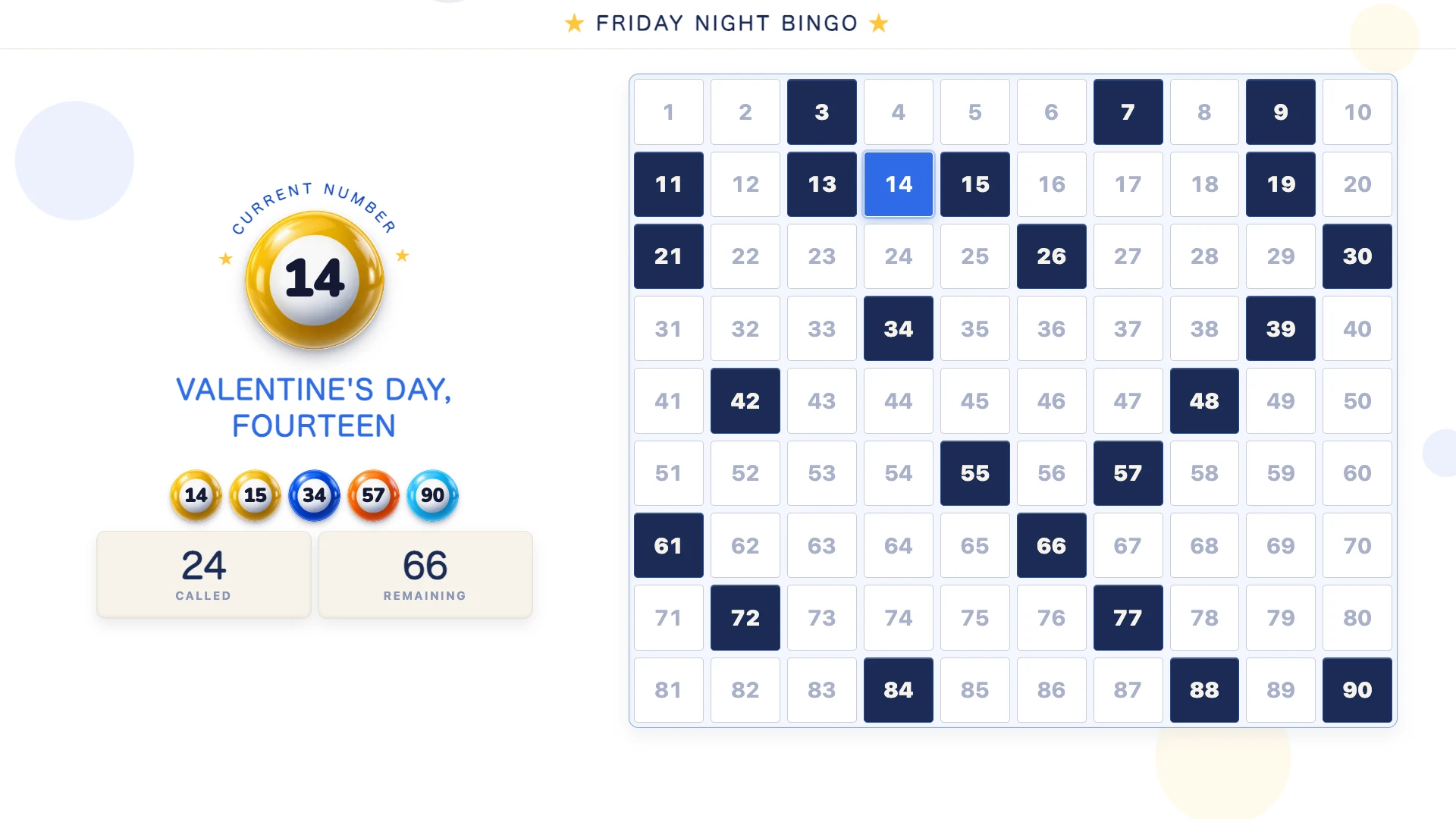
The classic bingo night. Put The Hoster on a TV or laptop and it calls every number out loud while the big board fills in. Players use paper tickets, or open one link for tickets on their phone.
- Suits: family nights, parties, clubs, classrooms and care home lounges.
- Players: as many as you have paper tickets for, plus up to 24 phones.
- You need: a laptop, tablet or TV, and printable bingo cards or phones.
Over a video call
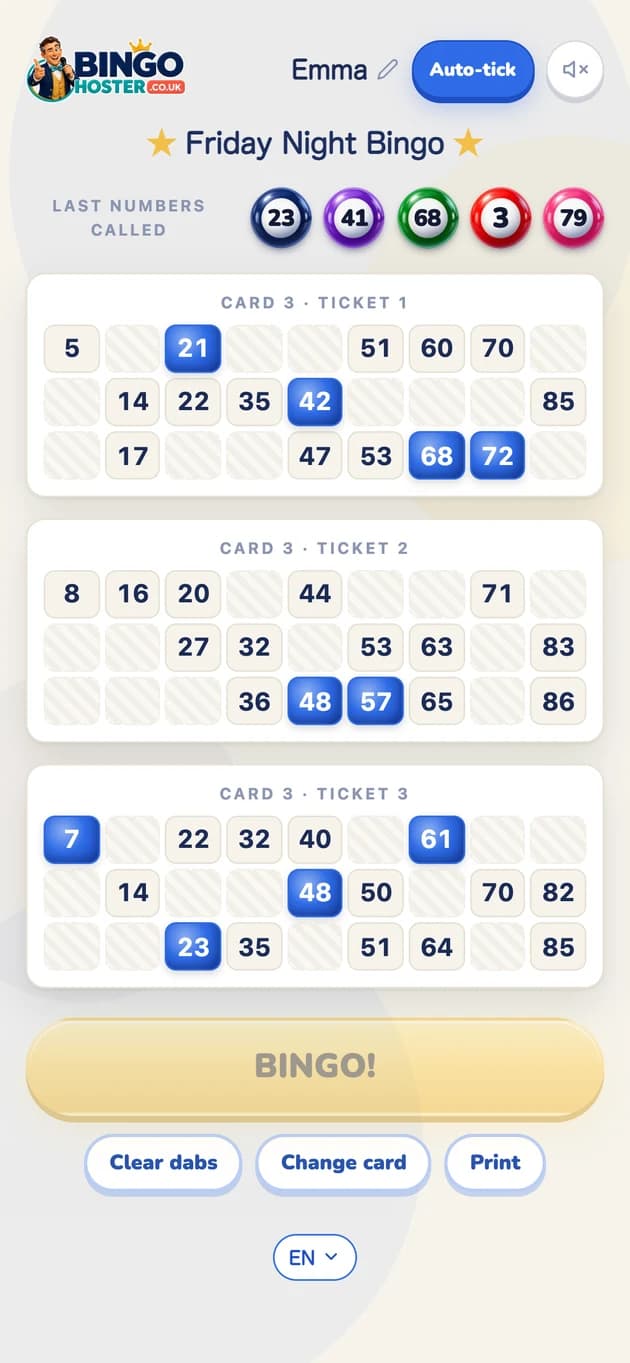
Already on Zoom, Teams, FaceTime or WhatsApp? Keep the call for the faces and the chat, and send everyone the ticket link from Play Online Together or The Hoster. The guide to bingo on Zoom covers screen sharing and sound.
- Suits: friends and family who already meet on a call, and team socials on Teams or Meet.
- Players: up to 24 on their own phones. Bigger groups use The Hoster with paper cards alongside.
- You need: the call you already have, and one link pasted in its chat.
Group bingo online for teams, families and clubs
A few ideas for online bingo for groups:
- Work teams: open a private room at the end of the Friday call and share the link in the team chat.
- Families: grandparents with paper tickets, cousins joining by link. See the family bingo night guide.
- Parties and clubs: a theme for the night and the caller on the big screen. See the bingo party guide.
- Care homes: a clear voice, a slow pace and big numbers on the TV. See bingo for seniors.
Want every step for a private game? Here is how to play bingo online with friends.
Your player card, username and bingo buddies
There are no accounts here. Each player has a player card, kept on their own device: a name, one of 20 pictures, a level, XP and badges. Your username is your name plus a four-character tag, like Linda#K7MQ, so two Lindas never get mixed up.





- Find a player: search for a friend's name or username and add them as a bingo buddy. Players show up once they have played in a live room.
- Bingo buddies: see which buddies are playing or waiting in a live room, and join them for the next game.
- Level and badges: live room and Solo games earn XP, and so does hosting a night with The Hoster. Badges count your full houses, lines and more.
- Back up my code: copy your code, save it as a file or send it to yourself. Paste it on a new phone and your card comes with you.
Open your player card to pick your picture and see your username.
Chat while you play, kept safe
Live rooms have a chat beside the game, and one-tap cheers such as Good luck! and Eyes down! Every message goes through a filter on the server before anyone sees it: links, phone numbers and bad language are stopped, and after three blocked messages a player is muted for the rest of the game.
If someone is unkind, tap their name and report them from their player card. Nobody is told who reported them, and three reports from different players in a day mute that person in the live chat for a day. Private rooms have no chat of their own, so your group talks on the video call or in the group chat.
No app needed
BingoHoster is multiplayer bingo in the browser. It works on iPhone, Android, tablets, laptops and smart TVs, with nothing to download. Add it to your home screen from your browser and it is one tap away next time.
Questions people ask
Is there a free multiplayer bingo game?
Yes. BingoHoster is free multiplayer bingo in your browser: join a live room with people anywhere, open a private room for your group, or put The Hoster on one screen for the room. No payments, no sign-up.
Can I play bingo online with a group?
Yes. Open a private room with Play Online Together and send the link to your group. Up to 24 phones each pick a card number and play the same live game, wherever everyone is.
Can I chat while I play bingo?
Yes, in the live rooms. Each room has a chat beside the game, filtered on the server, so links, phone numbers and bad language never get through. In a private room, chat on your video call or group chat.
How many people can play multiplayer bingo?
A live room takes up to 30 players a game. A private room or The Hoster takes up to 24 phones, and The Hoster adds as many paper tickets as you like. Two players are enough to start.
Is there a multiplayer bingo app for groups?
You don't need one. BingoHoster runs in the browser on any phone, tablet or computer, so it works as a group bingo app with nothing to download.
Do I need an account?
No. Your player card is kept on your own device. Use Back up my code on it to keep it safe or move it to another phone.
How do I find my friends in the live rooms?
Swap usernames, like Linda#K7MQ. Search for theirs under Find a player on your player card and add them as a bingo buddy. Your buddies list shows who is in a live room right now.
Hosting for people who are all remote? The virtual bingo guide covers it. New to the game? Read what is bingo.
No sign-up, no payments, no app to download.