Virtual bingo that actually feels like bingo
A virtual bingo game should have everything the real thing has: a caller with the classic calls, proper tickets in UK 90-ball or American 75-ball, a winner shouting BINGO! and everyone else groaning. BingoHoster does exactly that, free. One link deals tickets to every phone, the numbers arrive live on every screen, and the winner's name goes up in lights. No sign-up, no apps, no payments.
How the virtual part works
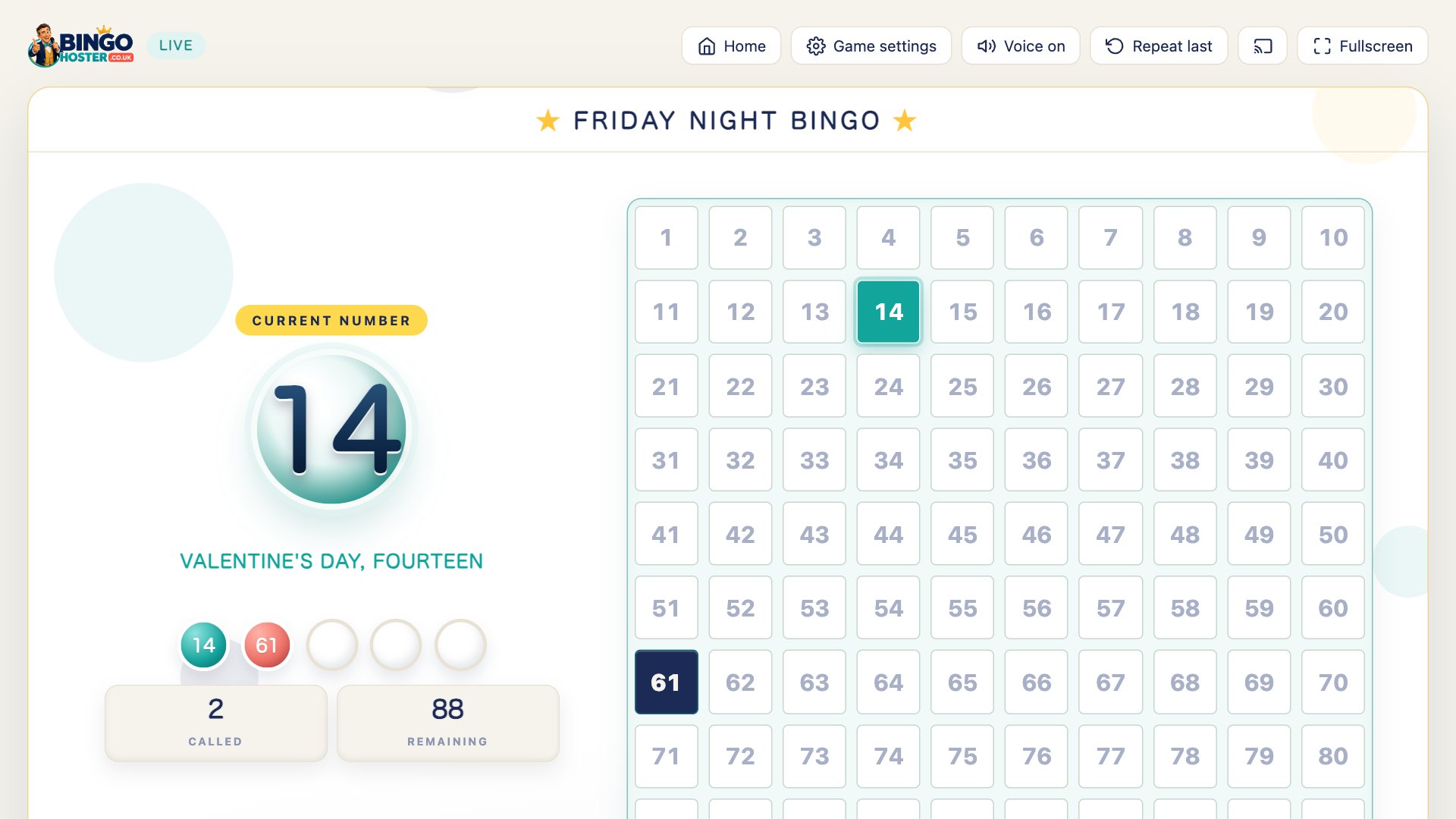
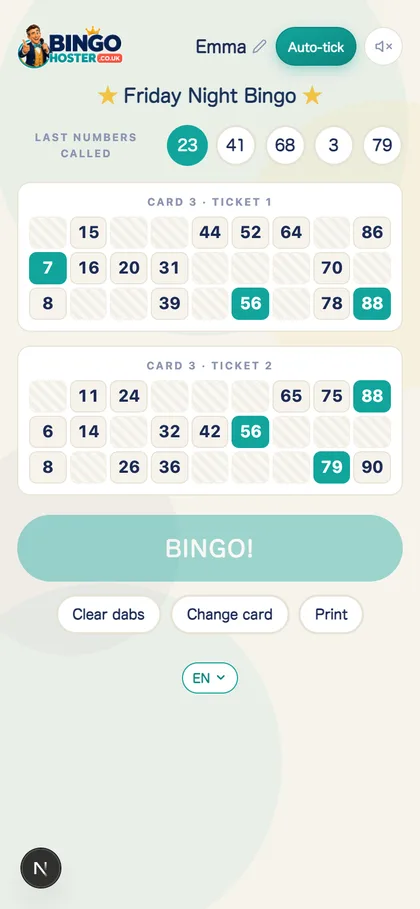
Choose Play Online Together and the host builds the room, name, theme, voice and pace, then gets a ticket link. Send it to the players, in the group chat, on the video call, on a slide, and each person opens it in their phone browser, types their name and picks a card. Taken cards grey out, so there are no twins. From that moment their tickets are wired into your game: every number the caller announces appears live above their tickets, wherever they are sitting, next door or another continent.
Dabbing is a tap. Tickets quietly hint at called numbers you have missed, and Auto-tick dabs automatically for small players and multitaskers. When a full house lands, the BINGO button unlocks, and one tap flashes the winner's name on the host's screen, the TV and every other phone, with the song. The button stays locked until the win is real, so nobody can jump the gun.
Three rooms, one game
- The living room. Caller on the TV, tickets on phones or paper, three generations shouting at the same screen.
- The video call. Zoom, FaceTime, WhatsApp or Teams carries the heckling; every phone already shows the live number, the board, and everyone's progress in the room.
- The office social. Ticket link in the team chat, board on the shared screen, fifteen minutes of chaos, one smug winner.
Host a virtual bingo game in four steps
- Build the game. Name it, pick a theme (Christmas snow to outer space), a voice and a speed.
- Send the ticket link. Everyone picks a name and a card; tickets land instantly.
- Start the caller. Numbers are announced aloud with the classic calls and appear live on every phone.
- Crown the winner. Full house unlocks the BINGO button; one tap and their name is on every screen.
Why it beats a number generator and a spreadsheet
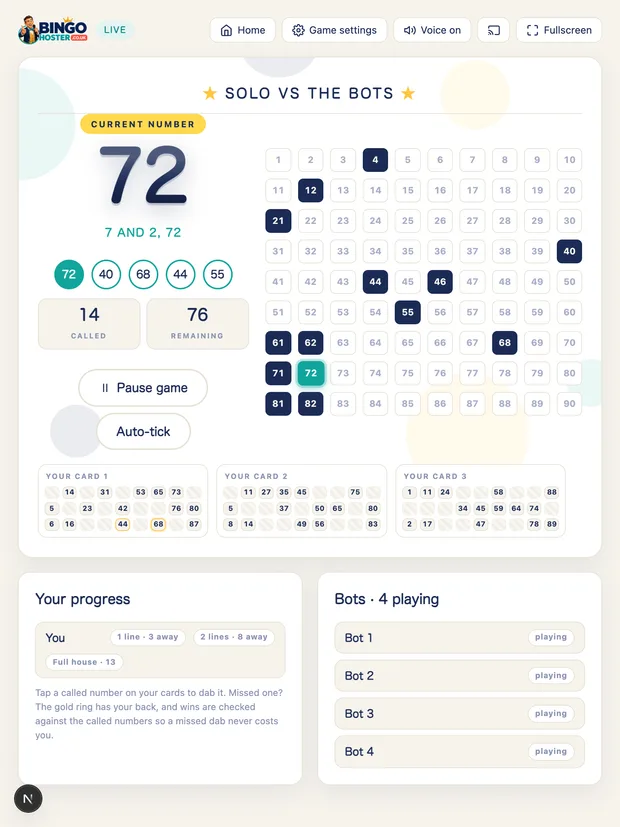
Plenty of virtual bingo setups are a random number picker plus PDFs emailed round. It works, but the host spends the night doing admin. Here the free online bingo caller announces every number with the traditional calls, keeps the full board for checks, deals unique tickets to every player, verifies the full house before the button unlocks, and throws the celebration. The host's only jobs are pressing start and taking credit.
Running it on Zoom, Teams or Meet
The step-by-step bingo on Zoom guidecovers sharing the board and the caller's sound on Zoom, Microsoft Teams and Google Meet, with the settings each one hides in a different place.
Questions people ask
What is virtual bingo?
Virtual bingo is ordinary bingo where the caller and the tickets are on screens instead of paper: a website or app draws and announces the numbers, players mark digital tickets on their phones, and everyone can play together from different rooms, houses or even countries.
How do you set up a virtual bingo game for free?
On BingoHoster: build a host game (name, theme, voice, speed), copy your ticket link and send it to the players. Each player opens the link on their phone (or types the game code into Join your game on bingohoster.co.uk), types their name and picks a card. Press Let's Play Bingo! and the numbers are announced aloud and appear live above everyone's tickets. The whole thing is free with no sign-up.
Do players need to download an app for virtual bingo?
No. Tickets open in the phone's web browser from a single link. There are no apps, no accounts, no payments and no personal details beyond a first name for the winner's celebration.
How do players get their numbers in virtual bingo?
Two ways at once: the caller announces every number aloud (over a video call or across the room), and the latest called numbers appear live above each player's tickets on their phone. Missed one? Tickets quietly hint at called numbers you have not dabbed, and Auto-tick can mark them for you.
How do you win a virtual bingo game?
Complete a full house, every number on one ticket. The BINGO button on your phone unlocks only when your ticket is genuinely complete, and one tap flashes your name on the host's screen, the TV and every other player's phone, with the bingo song. No arguing, no miscounts.
Does virtual bingo work for work socials and team events?
Very well. Nobody installs anything, a game takes minutes to set up, and the caller does the entertaining. Share the ticket link in the team chat, put the board on the shared screen, and let the quarterly numbers mean something fun for once.
Throwing the whole evening? The bingo party playbook covers themes and prizes. Playing across houses? See play bingo online with friends. Running the whole evening? Follow how to host a bingo game at home, or the family bingo night guide for mixed ages. New to the game? Start with what is bingo.
No sign-up, no apps, no payments. Tickets on every phone in a minute.