How to host a bingo game at home
Hosting a bingo night at home is one of the easiest parties you will ever throw: cheap, quick to set up, and guaranteed to get three generations shouting at the same telly. Here is the complete guide, what to buy, how to set up the free bingo caller, how to run the room like a pro, and how to host a bingo game online when half the family lives somewhere else.
What you need (about £5 and ten minutes)
- Tickets. Paper books work (a 90-ball book from a supermarket or party shop), or skip the paper entirely: the game gives you a ticket link that deals tap-to-dab tickets to every player's phone.
- Pens or dabbers. Anything that marks paper. Proper bingo dabbers make it feel like the real thing.
- A screen everyone can see. The living room TV is perfect; a laptop on the mantelpiece works fine for a small table.
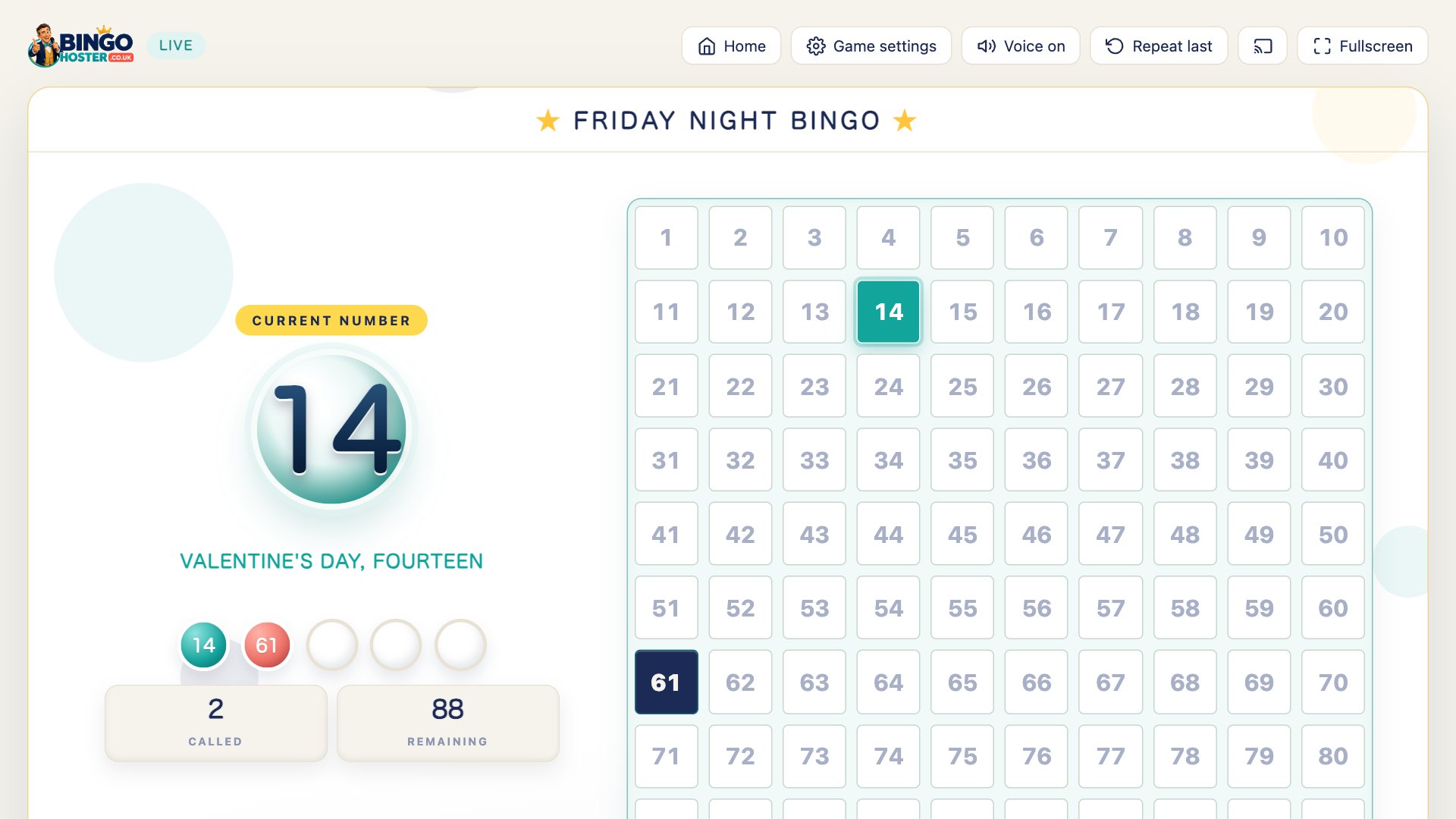
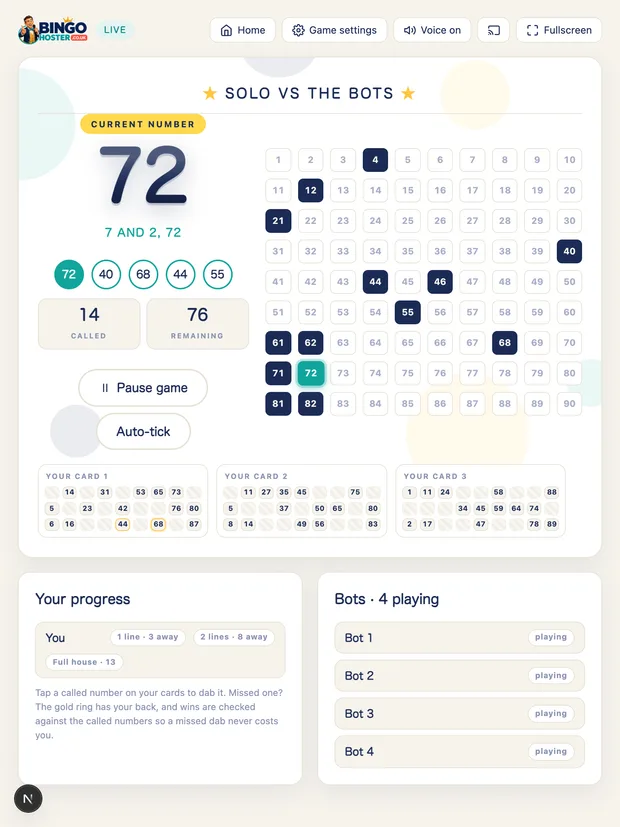
- The caller. BingoHoster runs the whole game free: it draws the numbers, announces them aloud with the classic calls, fills in the big board and celebrates the wins. No sign-up, nothing to install.
- Prizes. Sweets, a bottle of something, the last word in an argument. Small and silly beats big and serious.
Setting up, step by step
- Build your game. Open the free bingo caller, name the night ("Nan's Birthday Bingo" looks lovely on the big screen), choose UK 90-ball or American 75-ball, and pick a theme, a voice and the calling speed.
- Put it on the TV. Press Cast to TV before you start (one tap in Chrome), AirPlay from an Apple device, or plug a laptop in with HDMI and press Fullscreen.
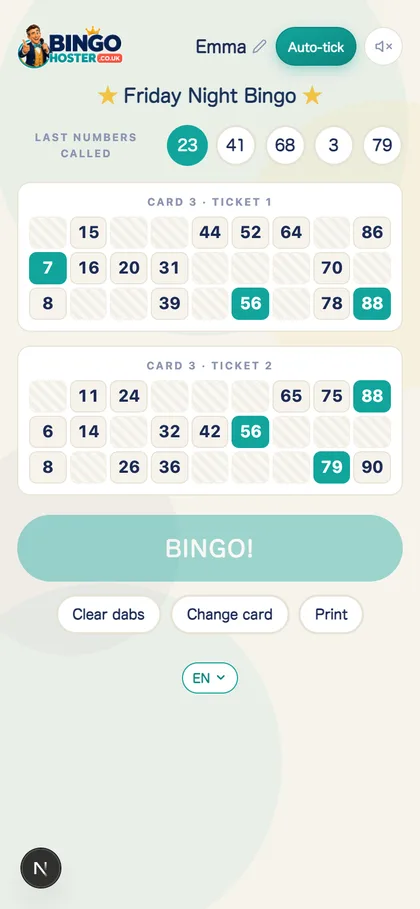
- Deal the tickets. Paper strips and dabbers, or copy the ticket link from your dashboard and drop it in the group chat: everyone picks a card on their phone and their tickets follow the caller live. Agree the prizes for one line, two lines and full house.
- Press "Let's Play Bingo!" A countdown rolls on every screen, then the caller takes over.
Running the room
The caller does the announcing, so your job is atmosphere. Start on a gentler speed with double calls switched on so nobody misses a number. Phone players do not even need to shout: their BINGO button unlocks on a full house, and one tap flashes their name on every screen with the song while the calls pause. For paper players, press B on the keyboard and check their ticket against the board while the room boos or cheers. One press of the space bar and the night rolls on. Between games, swap tickets, top up drinks, and let the winner gloat exactly the right amount.
Hosting for an occasion? The special themes dress the whole game, falling snow and fairy lights for Christmas, pumpkins and bats for Halloween, balloons and bunting for birthdays, so the screen matches the party.
Hosting a bingo game online
Distance does not cancel bingo night. Send everyone your ticket link: each player opens it on their phone, types their name, picks a card number (taken cards grey out, no arguments) and gets tap-to-dab tickets that follow your caller live. The last five numbers called sit right above their tickets, so nobody in another house misses a thing. Add a video call for the chat and the caller's voice, and when somebody lands a full house their BINGO button unlocks: one tap, and their name flashes up on your screen, the TV and every phone in the game with the song. There is a fuller walk-through in how to play bingo with friends.
Questions people ask
What do I need to host a bingo game at home?
A screen everyone can see (a TV, or a laptop turned round), tickets, and a bingo caller. BingoHoster is the caller: free, no sign-up, announcing the numbers aloud with the classic calls. For tickets, use a cheap paper book of 90-ball tickets with pens or dabbers, or send the built-in ticket link and everyone gets tap-to-dab tickets on their phone.
How do I put the bingo game on my TV?
Press Cast to TV before the game starts (one tap in Chrome), use AirPlay screen mirroring from an iPhone, iPad or Mac, or plug a laptop into the TV with an HDMI cable and press Fullscreen. The countdown, the numbers and the BINGO celebrations all show on the big screen.
How do I host a bingo game online for people in other houses?
Send everyone your ticket link. Each player opens it on their phone, types their name, picks a card and gets free tap-to-dab tickets that follow your caller live, the last numbers called appear right above their tickets. Start a video call for the chat and the caller's voice, and when someone completes a full house their BINGO button lights up: one tap and their name flashes on your screen, the TV and every phone in the game.
How fast should I call the numbers?
Slower than you think. For mixed ages and first-timers use the Slow or Normal speed and turn on double calls so every number is read twice. You can pause with the space bar at any time, and quicken up to Fast or Turbo for the seasoned players in later rounds.
How many games should I plan for a bingo night?
A ticket-a-game night of five or six games fills a comfortable 60 to 90 minutes: warm up with one line wins, move to two lines, and finish with a couple of full-house games for the bigger prizes.
Making it an occasion? The bingo party playbook has themes, prizes and a running order. Planning a night with all ages? See the family bingo night guide. Everyone joining from their own house? That is virtual bingo. New to the game entirely? Start with what is bingo.
No sign-up, no payments. Eyes down in under two minutes.