Bingo for seniors: easy, clear and free
Bingo is the game many older people already know by heart, and it works best when nothing gets in the way: numbers big enough to read across a lounge, a voice clear enough to hear over a room, and a pace that never rushes anyone. BingoHoster was built for family nights, and that makes it a natural fit for bingo for seniors, at home, at a day centre or in a care home.
Why it suits older players
- A real voice. Daniel and Alice are recorded British callers, not a computer reading text. Every number is said clearly, with the traditional call, at a volume you set on the TV.
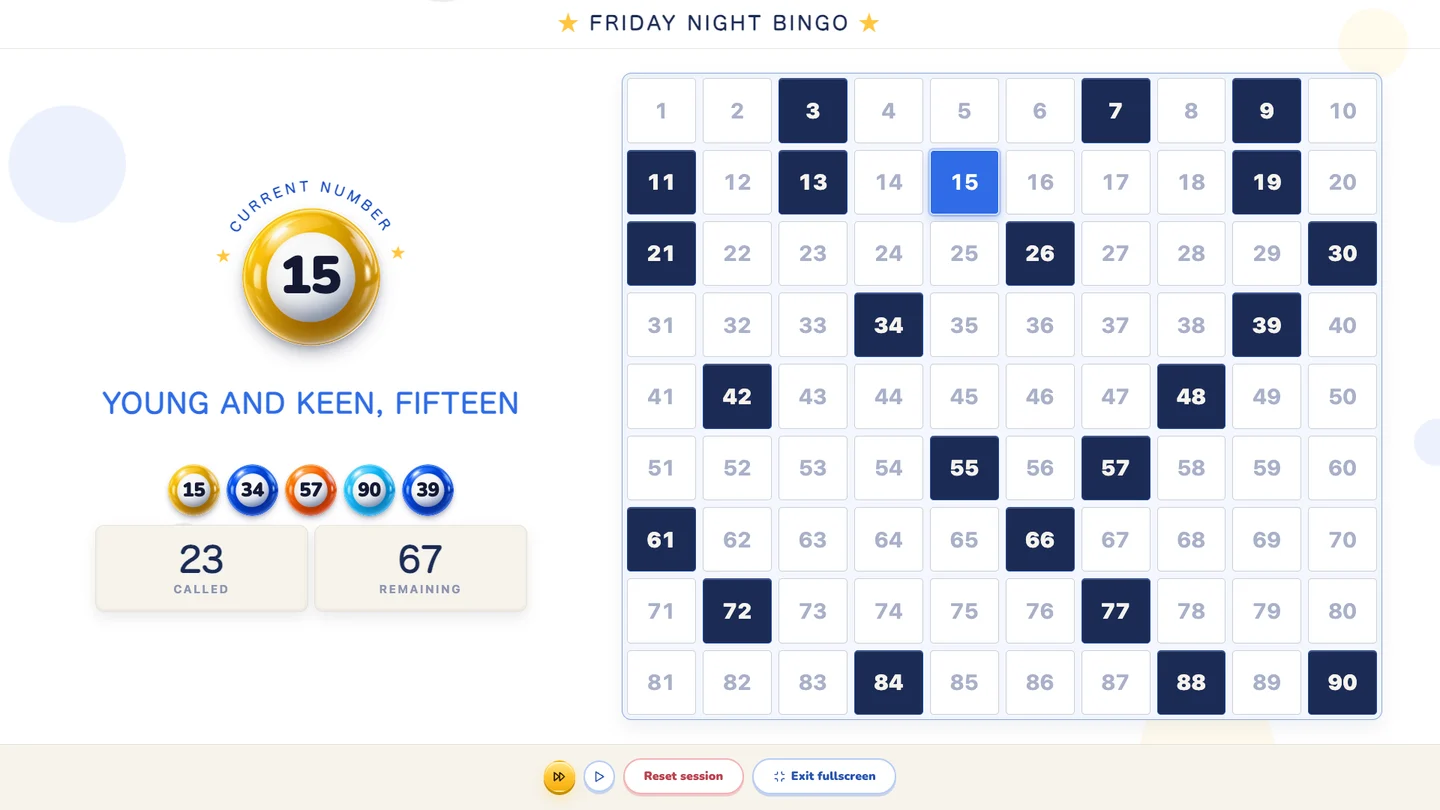
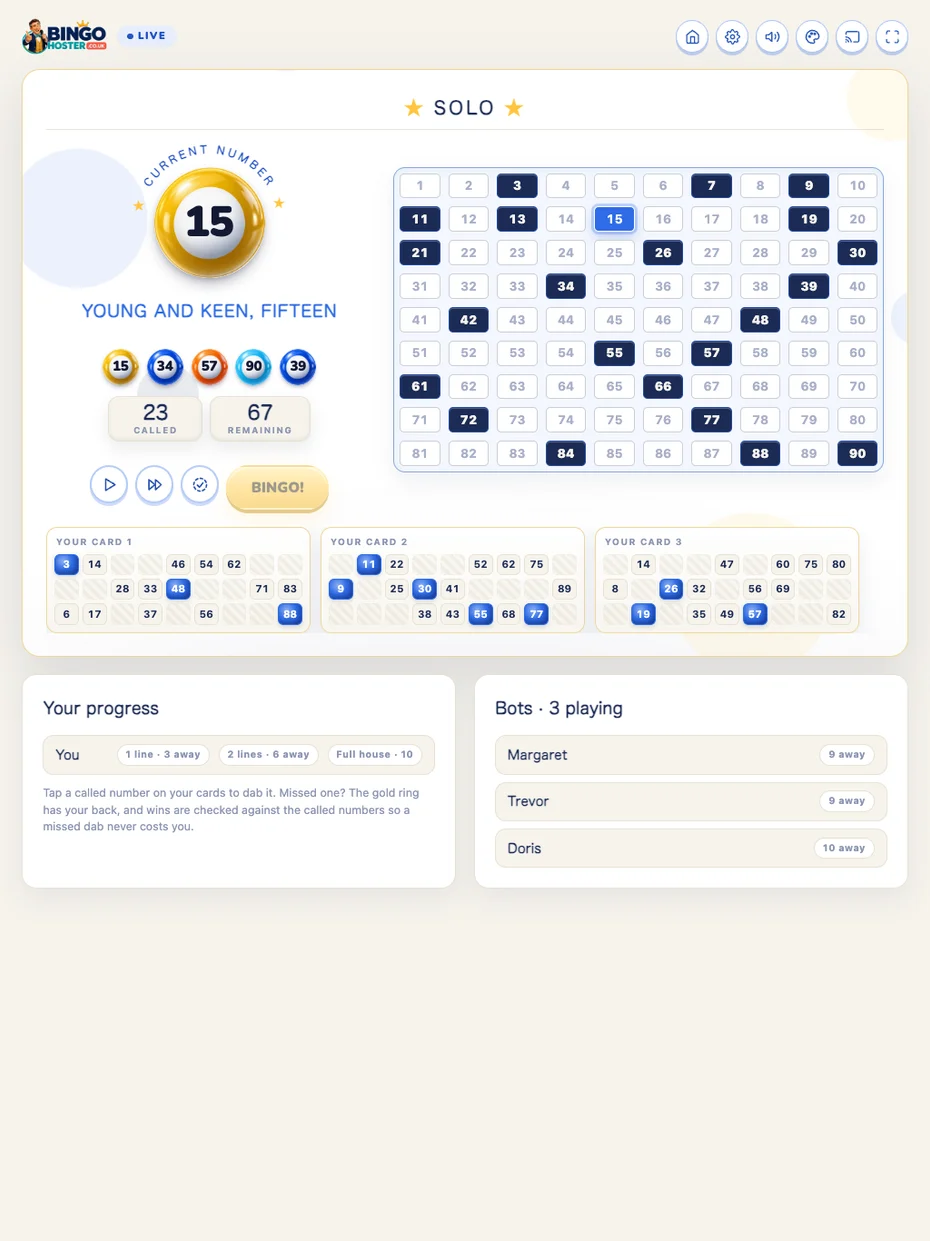
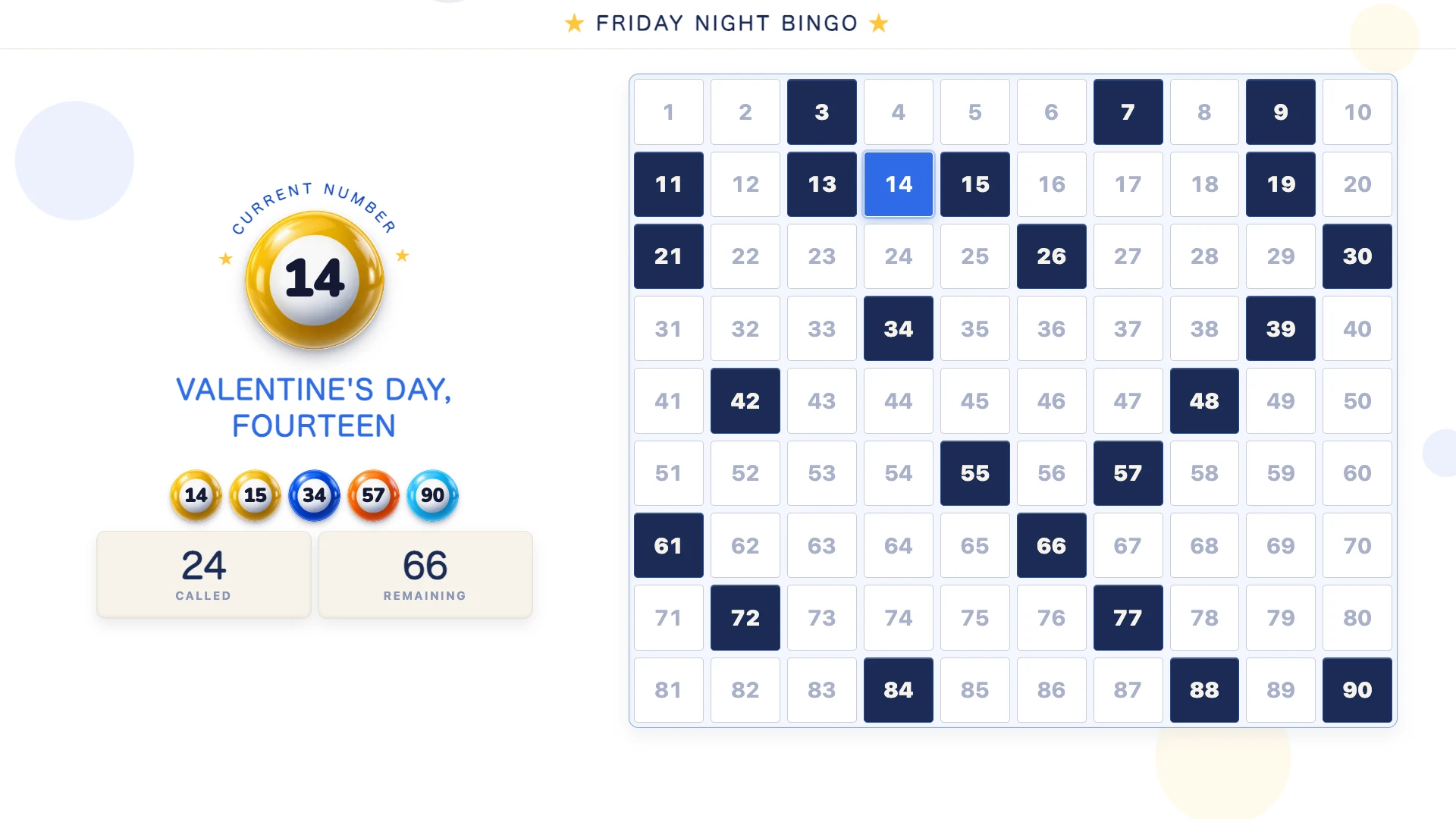
- Big numbers. The current number fills a good part of the screen, the board is high contrast, and the last five numbers stay on view for anyone who looked away.
- A slow pace. The Slow setting leaves twelve seconds between calls, and a single tap pauses the game for as long as a cup of tea takes.
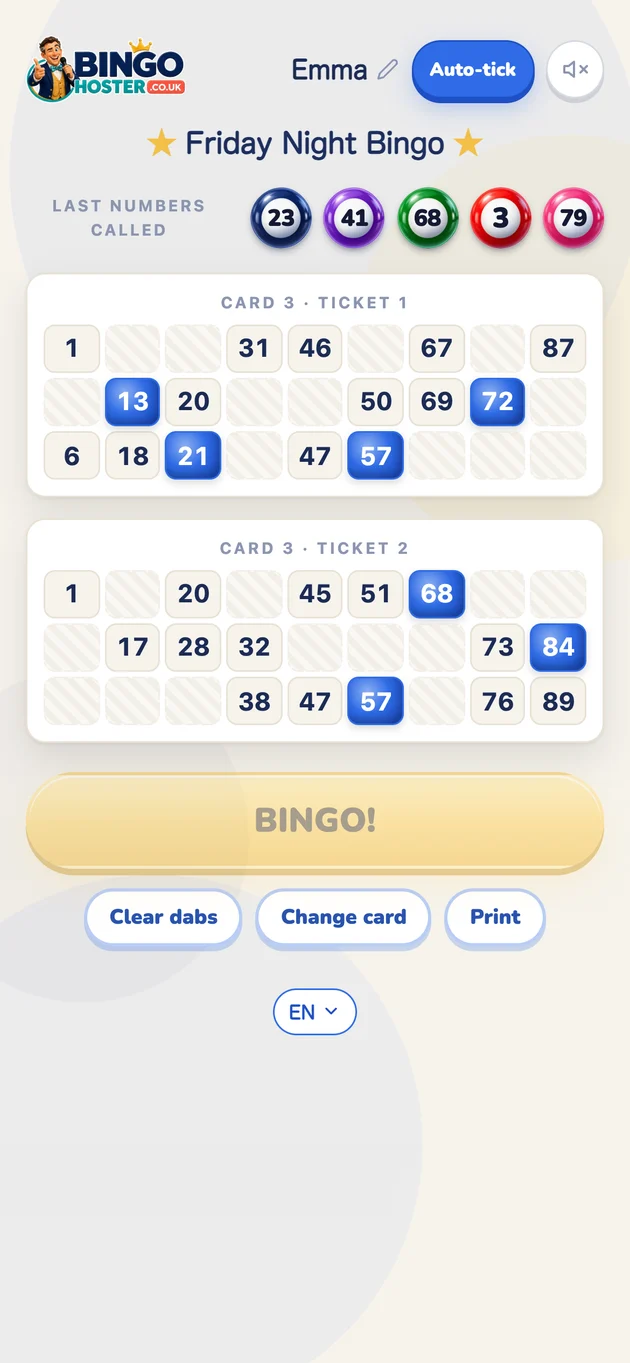
- Large-print tickets. A free printable set with big cells for anyone who prefers paper and a dabber, and phone tickets with Auto-tick for anyone who prefers not to mark by hand.
- Nothing to learn. No accounts, no app, no menus during the game. One button starts it.
Running a session in a lounge or day centre
- Connect a laptop or tablet to the lounge TV, by cable or by casting, and open the free bingo caller.
- Name the session, set the pace to Slow, and choose a voice. Turn the TV volume up until the back row nods.
- Hand out the large-print tickets and dabbers, or ordinary bingo books if you have them.
- Press Let's Play Bingo! The countdown runs and the caller begins. Pause whenever someone needs a moment. The board and the last numbers stay on screen.
- When someone shouts, press the BINGO button on the caller: the game pauses, and you check their ticket against the called board on the TV.
Keeping everyone in the game
Play for lines as well as full houses so wins come round often. Repeat the call if the room asks: the Repeat last button says the number again. Sit anyone with hearing aids nearer the TV, and keep the theme on the plain white or blue setting, which have the strongest contrast. The family bingo night guide has more on pacing a mixed group.
Relatives joining from home
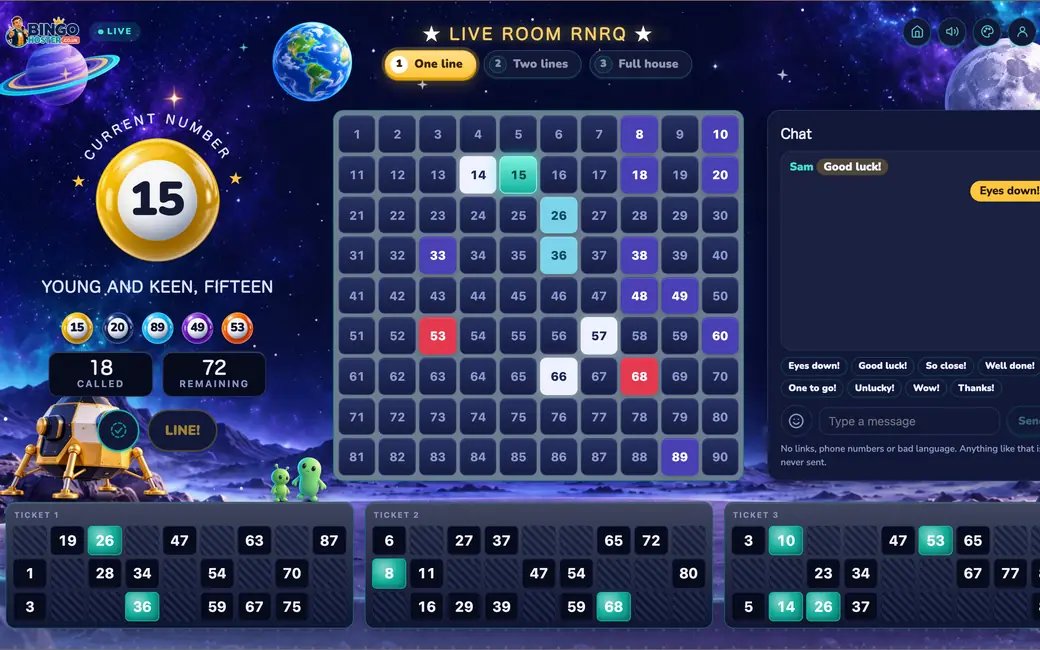
A son or daughter in another town can join the same game from their phone: send them the game link, and their name appears on the lounge TV when they win. The online with friends guide shows how.
Questions people ask
Is this bingo suitable for people with poor eyesight?
It is designed for it. The current number is shown very large and high contrast on the TV, the board keeps a full history, and the caller reads every number aloud in a clear recorded voice, so the game works by ear as well as by eye. The printable large-print tickets have big cells for easy marking.
Can the pace be slowed down?
Yes. The Slow setting gives twelve seconds between calls, and the caller can be paused at any time with one tap, for as long as needed, and resumed. The last five numbers stay on screen so a missed call is easy to catch up.
Does it work in a care home lounge?
Yes. It runs in the browser on any laptop, tablet or smart TV with no installation, connects to the lounge TV by cable or casting, and needs no accounts. Staff or a volunteer press one button to start and the caller does the rest.
Is there a real voice or a computer voice?
A real one. The English callers, Daniel and Alice, are recorded British voices saying each number with the traditional call, which many older players know by heart. It is not a robot reading text.
Is bingo good for people with dementia?
Many care settings use bingo because the calls are familiar, the task is simple, and the game is social. The Slow pace, the large clear numbers, the repeated call and Auto-tick on phone tickets all help. We are not medical experts, so follow the guidance of your care team, but the game is built to be as gentle as you need it.
No sign-up, no payments, no apps for your guests.